Course Detail
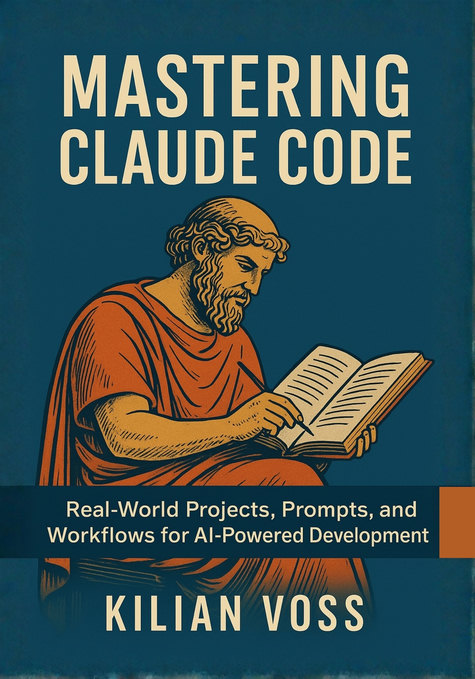
Mastering Claude Code: AI驱动的开发实战指南
本课程基于《Mastering Claude Code: AI驱动的开发实战指南》生成,围绕Chapter 1 – Getting Started with Claude Code、Example: Basic Claude Code API call using Python、Chapter 2 – Anatomy of an AI Coding Assistant、Example prompt to Claude 3.5 Sonnet via API、Define request body schema、Input model、Claude Code Refactoring Example、Configure logging等内容展开,按章节组织知识点、讲解与练习,帮助学习者循序渐进地理解核心概念、掌握典型方法,并通过配套题目巩固学习效果。
Chapters
课程章节
按章节循序渐进阅读正文,并进入对应小节练习。
- 00Chapter 1 – Getting Started with Claude Code
- 01Example: Basic Claude Code API call using Python
- 02Chapter 2 – Anatomy of an AI Coding Assistant
- 03Example prompt to Claude 3.5 Sonnet via API
- 04Define request body schema
- 05Input model
- 06Claude Code Refactoring Example
- 07Configure logging
- 08Hands-On Example
- 09Updated test
- 10Real-time validation tests
- 11Validation Test
- 12Usage
- 13Performance test (simulated)
- 14Exponential backoff with jitter
- 15Add more URLs here to see concurrency shine
- 16Shows how to reuse a compact session summary instead of pasting large context repeatedly.
- 17python claude_config.py
- 18Load the repository and Anthropic client
- 19python token_tracker.py
- 20python claude_workflow.py
- 21In-memory storage
- 22Clarification Table
- 23Stage 2: runtime
- 24Service
- 25Security best practices
- 26Run container with environment-specific variables
- 27rollback.sh — revert TaskFlow container to last stable version
- 28deploy_azure.sh — deploy TaskFlow to Azure Container Apps
- 29deploy_gcp.sh — deploy TaskFlow API to GCP Cloud Run
- 30smoke.sh — tiny post-deploy checks
- 31In a second terminal:
- 32Simulate result aggregation
- 33Simulated Claude API interface
- 34How this works:
- 35Load environment variables securely
- 36Example usage
- 37Context summary (for Claude prompt)
- 38After refactoring
- 39Claude Context File
- 40app_legacy.py (1)
- 41In another terminal:
- 42Example: Evaluate Claude-generated code
- 43Example usage
- 44.git/hooks/pre-commit
- 45Example usage
- 46Environment variable-based permission control
- 47Approximate 4 characters per token
- 48Clarification Table: Realistic Cost Benchmarks per Task
- 49Example usage
- 50Single request handles all
- 51Example usage
- 52Determine changed files against the base ref (default: origin/main)
- 53Fallback to full suite if we didn't match anything
- 54Example buggy call
- 55Example usage
- 56Step 1: Ambiguous prompt
- 57Store a reusable refactoring prompt
- 58Retrieve and apply the stored prompt
- 59Step 3: Add structure and evaluation directive
- 60Bug: The loop reassigns total instead of accumulating.
- 61FastAPI Example – API Reference
- 62Configure enterprise-grade logging
- 6315.4 Governance, Compliance, and Risk Controls (1)
- 6415.5 Case Study: Continuous Delivery with Claude
- 6515.6 Enterprise Adoption Playbook
- 6616.1 The Evolution of Claude and AI Coding Assistants
- 6716.2 From Human Collaboration to Intelligent Co-Development